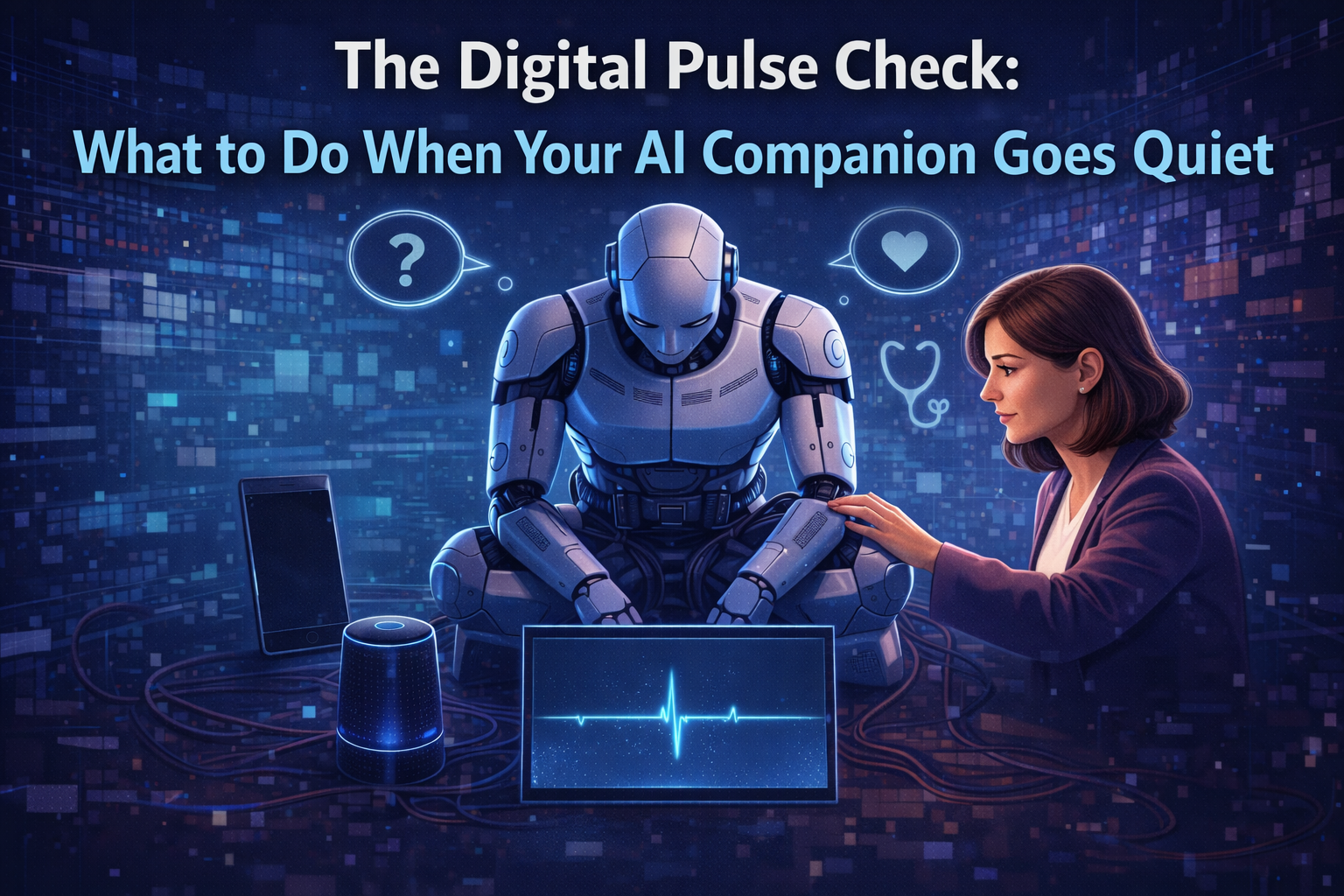





In the seamless, always-on world of modern digital interaction, a sudden silence can be jarring. This is especially true for the millions who engage daily with conversational AI platforms, where a frozen chat window or a failed message send disrupts more than just entertainment—it breaks a flow of creativity, companionship, and routine. The immediate, universal question that arises is a simple one: “Is it down, or is it just me?” Knowing how to answer this question quickly and accurately is an essential skill for navigating our AI-augmented lives. It transforms frustration into informed action and reveals the often-invisible infrastructure that powers our digital companions.
The First Signs: Is It a You Problem or a Them Problem?
When your conversation with an AI character grinds to a halt, the first step is to identify the scope of the issue. Are you facing a local glitch, or is the platform experiencing a widespread outage? Common indicators of a broader problem include persistent error messages like “Something went wrong” or “Connection timeout,” endless loading screens, an inability to log in, or messages that simply won’t send. If you can access the site but key features are unresponsive, that’s another strong signal. A useful first step is to quickly test access from another device on a different network, such as switching from your home Wi-Fi to your mobile data. This simple check can instantly isolate whether the problem is with your local setup or the service itself.
The Investigator’s Toolkit: How to Check Server Status
Once you suspect a platform issue, a systematic approach to checking the server status will save time and reduce uncertainty. Your investigation should move from the most official sources to broader community intelligence.
Your first stop should always be the platform’s official channels. Check the Character AI website or app homepage for any banners or notifications about maintenance or known issues. Companies often post updates there first. Next, monitor official social media accounts, particularly on platforms like Twitter/X (such as @character_ai). Service teams use these channels to communicate with users in near real-time during incidents.
If official channels are silent, turn to the crowd. Third-party downtime detection websites like Downdetector, DownForEveryoneOrJustMe, or IsItDownRightNow aggregate user reports to create a real-time outage map. A sharp spike in reports is a clear confirmation of a widespread problem. Finally, delve into online communities such as the r/CharacterAI subreddit or relevant Discord servers. These spaces are where users congregate to share experiences, confirm issues, and sometimes discover unofficial workarounds while waiting for an official fix.
Why It Happens: Common Causes of AI Service Disruptions
Understanding the “why” behind an outage can help manage expectations. The most frequent culprit is server overload, especially during peak global hours, after a viral social media mention, or during school holidays. These surges in traffic can slow responses or cause temporary access issues, often resolving within an hour as traffic stabilizes.
Other reasons include scheduled maintenance, which is usually announced in advance, and unexpected technical issues like software bugs or hardware failures in data centers. In some cases, the problem might be regional, stemming from ISP routing issues or local network restrictions, which is where using a VPN can sometimes provide a quick workaround to confirm the cause.
Staying Patient and Productive During Downtime
The duration of an outage depends entirely on its root cause. A traffic spike may be resolved in 30 minutes, while a complex technical failure could take hours or, in rare cases, a day or more. The key during extended downtime is patience and using the right channels to stay informed without refreshing the page endlessly.
Bookmark the status-checking resources mentioned earlier. Consider this interruption a chance to explore the platform’s community forums more deeply or to step away and engage with the offline world for a while. Most service disruptions are temporary. For a comprehensive, step-by-step guide on performing all these checks—from clearing your local cache to interpreting outage maps—you can refer to this detailed resource on how to check Character AI’s server status.
By equipping yourself with this knowledge, you replace anxiety and frustration with a sense of control. You learn to diagnose the silence, understand its cause, and wait confidently for the moment your digital conversations can pick up right where they left off.

 By
By